Aesthetic pfp maker: profile pictures that still look like you
The short answer: a good pfp has to survive being displayed at about forty pixels wide, which rules out almost everything a normal photo relies on. What reads at that size is silhouette, one dominant colour, and strong light-dark separation — not detail. The practical move is to run one clear photo of your face through several strong looks and pick whichever still identifies you when you shrink it with your fingers.
Design for forty pixels, not for the preview
Everyone chooses a profile picture by looking at it full size. Nobody else ever sees it that way. In a feed, a DM list or a comment thread it's a small circle, often cropped tighter than you set it.
At that scale, three things survive and nothing else does:
- Silhouette. Your hair shape and head outline against the background. This is the single strongest identity cue at small sizes.
- One dominant colour. A picture with a clear colour identity — pink, teal, deep blue — is findable in a list. A muddy mid-tone photo isn't.
- Light-dark contrast. A face that separates cleanly from its background stays a face. One that blends becomes a smudge.
Detail — eyes, jewellery, texture, background objects — contributes nothing and often actively hurts, because it turns to noise.
Which styles actually work as pfps
Judged against those three criteria, some looks are far better suited than others:
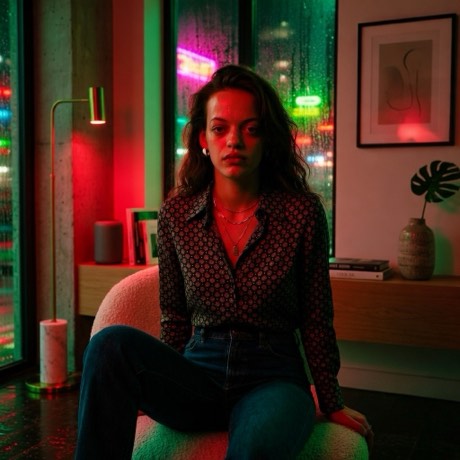
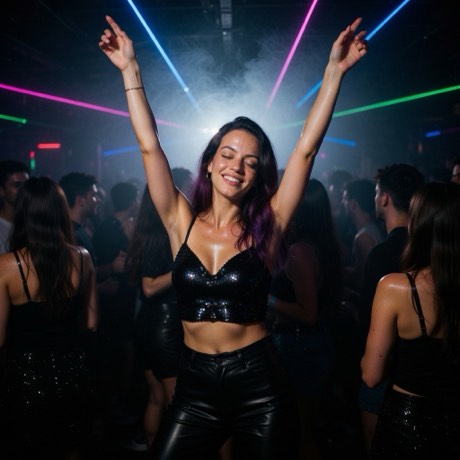
- Neon Rain, Club Night, Disco — strong single colour cast, high contrast, face lit against a dark ground. Ideal.
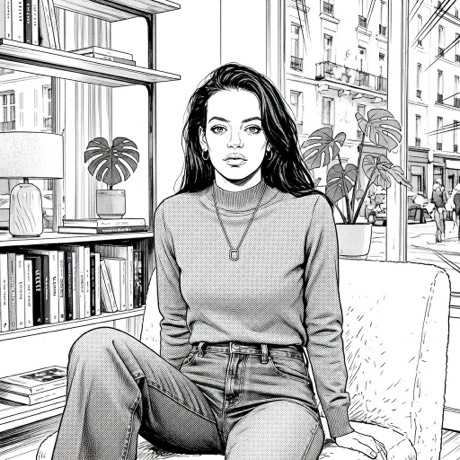
- Anime, Manga, Comic Book — linework and flat colour are already an act of simplification, which is exactly what small sizes need.
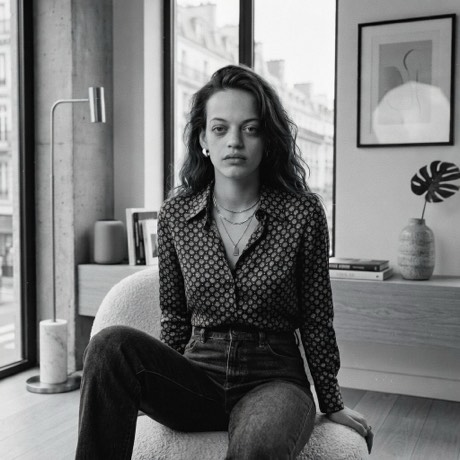
- Film Noir — maximum light-dark separation, no colour to muddy. Reliable at any size.
- Pixel — literally designed to be legible at low resolution.
- Poor choices: wide location shots like Savannah or Venice Canal. They're beautiful full size and unreadable in a circle, because you become a small element in a busy frame.
How to make one
- Download the app — Pose AI, free on the App Store.
- Take the photo, or bring one in. Shoot straight from the app's camera, or pull in something already on your camera roll. Nothing leaves your phone until you pick a look.
- Use a close, front-on, well-lit face. This matters more here than anywhere else — a pfp is mostly face, so the face has to be good going in.
- Pick a high-contrast look from Lighting (Neon Rain, Film Noir) or Animation (Anime, Manga, Pixel).
- Shrink it before you commit. Open the result and pinch it down as small as it goes. If you can still tell it's you, it works. If it becomes a shape, try a different look.
- Save and set it. Results go to Photos from the in-app gallery.
Why AI profile pictures stop looking like the person
Every stylisation throws information away, and the more dramatic the style, the more it throws. That's fine for a poster and fatal for a pfp, where the entire job is instant recognition by people who know you.
The test that matters isn't "is this a cool image." It's whether a friend scrolling fast recognises you without reading your name. Run the shrink test and be honest about the answer — a gorgeous image that isn't identifiably you is a worse profile picture than a plain photo.
A note on consistency
If you're setting the same pfp across several platforms, use the same generated image everywhere rather than a set of variations. Recognition across apps is built on repetition, and three near-identical-but-different pictures read as three different accounts.
Make a pfp that survives the shrink test
Try four, keep the one that's still you at forty pixels.
Download on theApp StoreFree to download · iPhone · iOS 17+